Live course · 4 sessions on Google Meet · BRAND-NEW OCTOBER 2026 COHORT
NOTION COURSE
for freelancers and self-employed professionals
4 sessions to build the operating system for your work.
Clients, projects, tasks, invoices and notes, all in one place.
Notion is powerful. Then you open it and give up.

Most freelancers give it a try: they open Notion, create two or three pages, and a week later go back to their usual collection of spreadsheets. It’s not their fault.
Notion isn't something you learn by watching YouTube tutorials.
You understand Notion by building it around your real work, with someone to show you the right choices before you waste time on the wrong ones.
What professionals say
Excellent course. It covers everything you need to know about getting started with Notion, structuring databases, and then takes you through more advanced tools, including using AI within the platform. The instructor is highly knowledgeable and helpful. Highly recommended.
Stefano D. C.
I recommend this course to all self-employed professionals who want to learn how to use Notion effectively and better organize their work. A first-rate learning experience that I would take again without a doubt.
Roberto B.
A highly knowledgeable professional and trainer. If you want to use the various LLMs professionally, Andrea is the right person to learn from.
Daniele I.
Where you’ll be by the end of the course
Manage clients, projects, invoices, notes and tasks all in one place, without jumping between ten apps or letting anything slip through the cracks. Not a system copied from a generic case study, but your own, built session by session around the way you really work. By the end of the course, you’ll already be using your system.
Course curriculum
The course is designed to take you from beginner to expert in Notion’s most useful features

The freelancer’s operating system
What is Notion, and why isn’t it “just another tool”?
Workspaces, pages, blocks and databases—without the fear. How to structure your thinking before creating pages, and a preview of where you’ll end up.

Databases: from list to system
Properties, views, filters, relations and rollups.
This is the module that separates people who use Notion as a notepad from those who use it as their work infrastructure.


Campo Base in action
I’ll give you Campo Base Professional, the template I use every day, and we’ll tailor it to your actual work: clients, projects, tasks, invoicing, notes.
Notion AI and a system that works for you
We integrate Notion AI into the system we've already built, connect it to the tools you use, and start letting it do the work for you instead of feeding everything in manually.
What’s included
4 live sessions with me
Four live sessions with me on Google Meet, 1.5 hours each, once a week (6 hours total)

1 professional template
The Campo Base Professional template, the same one I use: clients, projects, tasks, invoices and notes, already organized and ready to adapt:
- Journal with templates for weekly and monthly reviews
- Habit tracker for daily habits
- Strategic projects to see what moved the needle
- Bottlenecks to unblock stalled projects
- Work hours to see where your time goes
- Stress to eliminate to clear your head at the end of the day
- AI instructions hub to use Notion AI in a structured way
4 recordings and PDFs
An audio recording of each session, yours to keep forever (no video, to protect participants’ privacy).
Plus a handy PDF for each session with a recap, prompts, and everything covered in class.

See how Campo Base is built
Take a look before you sign up. In this video, I’ll show you the template you’ll get and how a well-built Notion system works.
My name is Andrea Brugnoli. I’m a trainer and consultant. I’ve used Notion every day for years to run my business: I keep track of clients, projects, invoices, notes and tasks there, and I don’t need any other tools because I built it the right way.
I didn’t get here by reading guides, but by making mistakes, simplifying, and figuring out what solo professionals really need. Campo Base, the template you’ll use in the course, is published on the Notion Marketplace. This course is how I’ll help you build it around your work, not mine.
About me
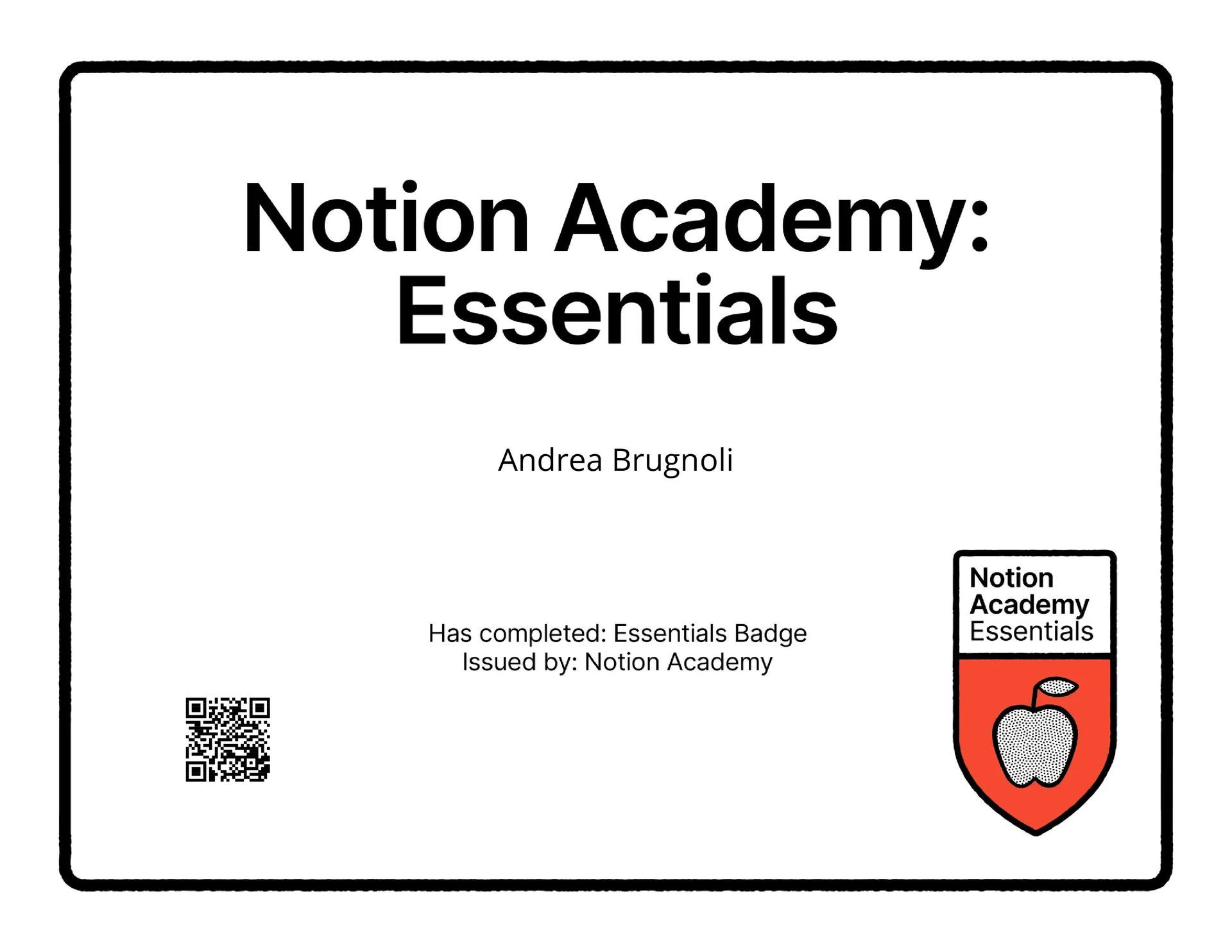
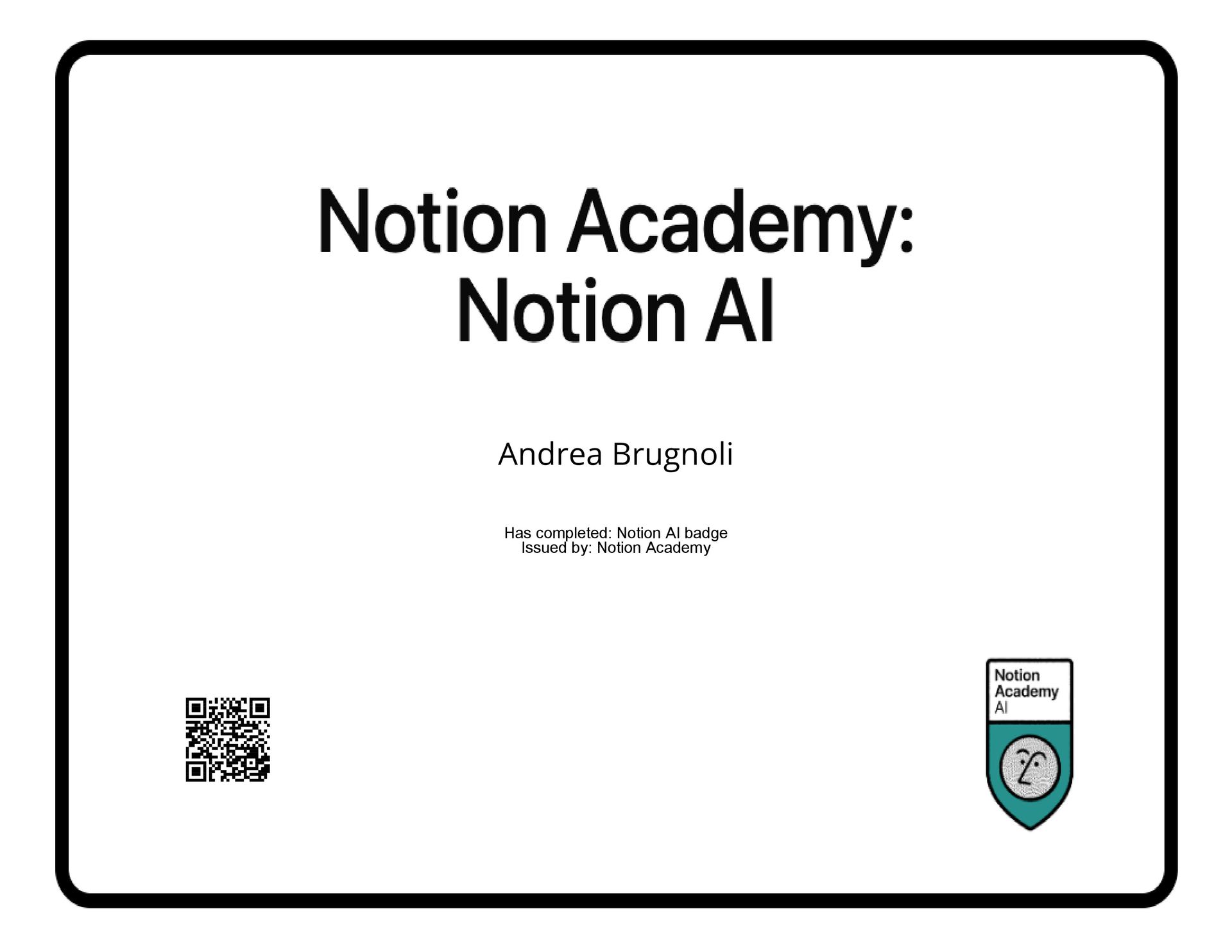
Official Notion certifications
Who this course is for

For solo professionals

For anyone who finds Notion too complicated

For anyone who wants a useful Notion setup

For anyone who likes tinkering on their computer
Who this is NOT for
- If you’re looking for a ready-made solution you can set up in five minutes without investing any time
- If you only want the template without the course (in that case, Campo Base is already on the Notion Marketplace)
- If you don’t have a business of your own to organize
- If you’re looking for complex automations and developer integrations: here we build a solid, user-friendly system, not technical infrastructure
How much does it cost?
€251, template included.
Includes the four live sessions, the Campo Base Professional template and an audio recording of each session. No hidden fees, no subscription.
How to register
Click:
Reserve your place: fill in the form with your billing details. I’ll email you instructions for paying by bank transfer or card.
Course dates:
Tuesdays, 27 October and 3 - 10 - 17 November 2026, 6–7:30 pm.
To give everyone individual attention, this edition is limited to 20 places. Anyone who misses out will be added to the next edition.

Frequently asked questions
Find answers to the most common questions about our templates and services here.
I’ve never used Notion before. Can I sign up?
Yes, we start from scratch. That’s exactly what the first module is for.
Is the free version of Notion enough?
Yes. Everything we build works on the free plan.
A plan that includes AI is recommended, as we’ll be using it extensively during the course.
NB: Some charts may not work on the free plan. Notion allows only one per database.
What if I miss a session?
You’ll receive an audio recording of each session, so you can catch up whenever you like. The live sessions are still the time to ask questions about your specific situation.
Do I need a paid Notion AI plan?
It’s useful to have it enabled for module four. I’m letting you know in advance so you can decide. The system works without it too.
Can I buy just the template?
Yes, Campo Base is on the Notion Marketplace. The course is for you if you want to build it around your work with guidance, not just get the template. Go here: https://www.notion.com/it/templates/campo-base-ita
How do I pay?
Submit your details in the form. I’ll only ask you to pay once the cohort is confirmed.
What if there are fewer than eight of you?
The course won’t go ahead, and you won’t pay anything. I’ll let you know and offer you the next available date.
Is it suitable if I have a team?
It’s designed for people who work alone. Some parts are still useful for teams, but that’s not the focus of the course.
You’ll learn lots of team features during the course, though.